Core package
MSFS 2020
All 100 courses, course browser, Delta hang glider and Rocket Belt.
Download for 2020 RING RUN
For Microsoft Flight Simulator 2020 + 2024
Chase golden rings through mountain valleys, along wild coastlines and up close to the world’s landmarks.
Find your next flight100 courses · Four ways to fly · Windows PC
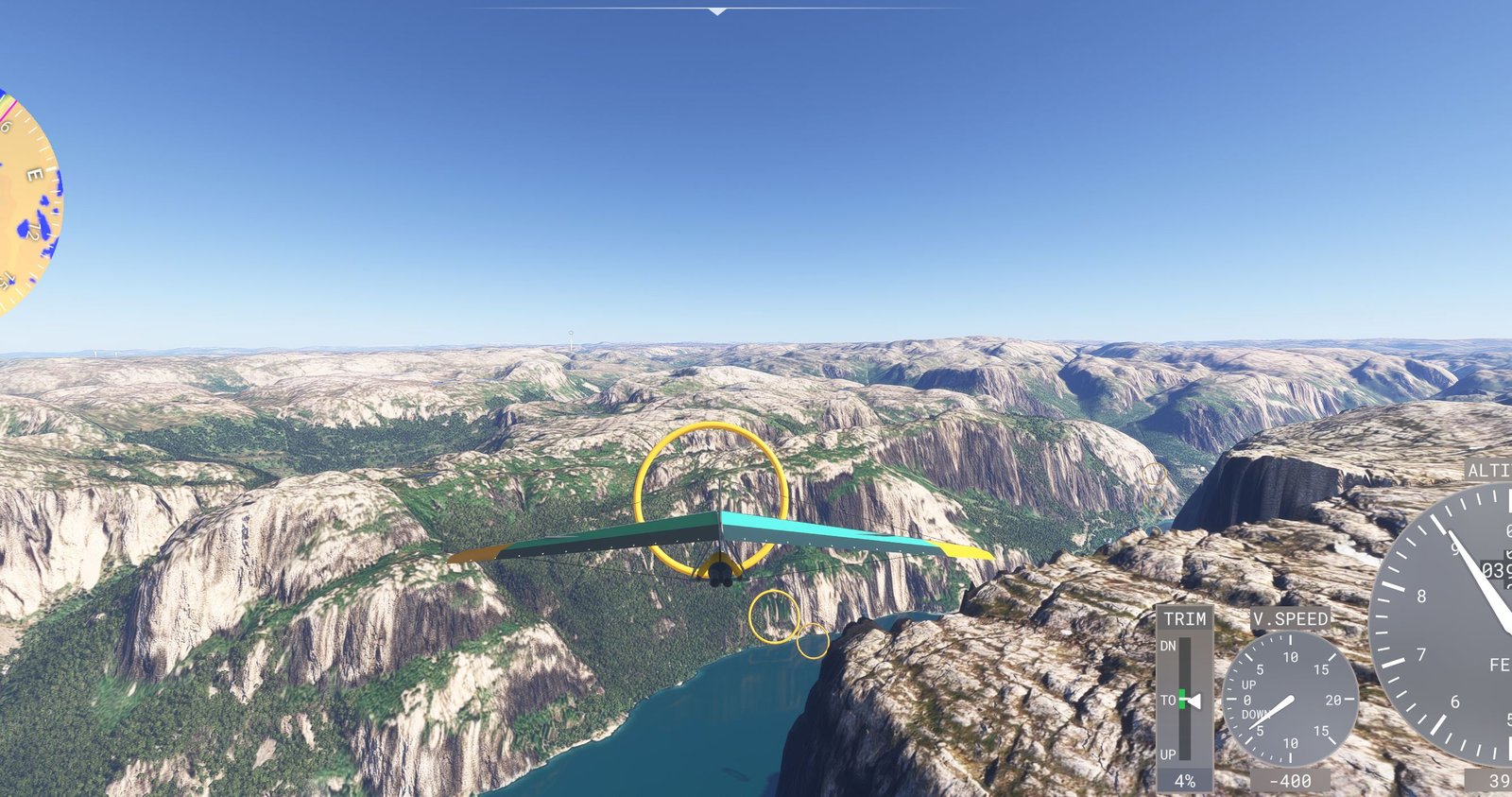
The world is the course
Inspired by the playful flying challenges of Pilotwings, Ring Run combines ring courses, precision landings and scenic exploration with the world of Microsoft Flight Simulator. Follow the rings in order, aim for a clean run and settle onto the target when the course calls for a landing.
Take a short break with a regular course, or settle in for one of eight hour-long Extended flights. The built-in course browser lets you search by place and filter by vehicle. Choose an installed aircraft on the briefing screen.
Pick your way to fly
Xbox-style controls shown.
Aircraft bindings follow your MSFS profile.
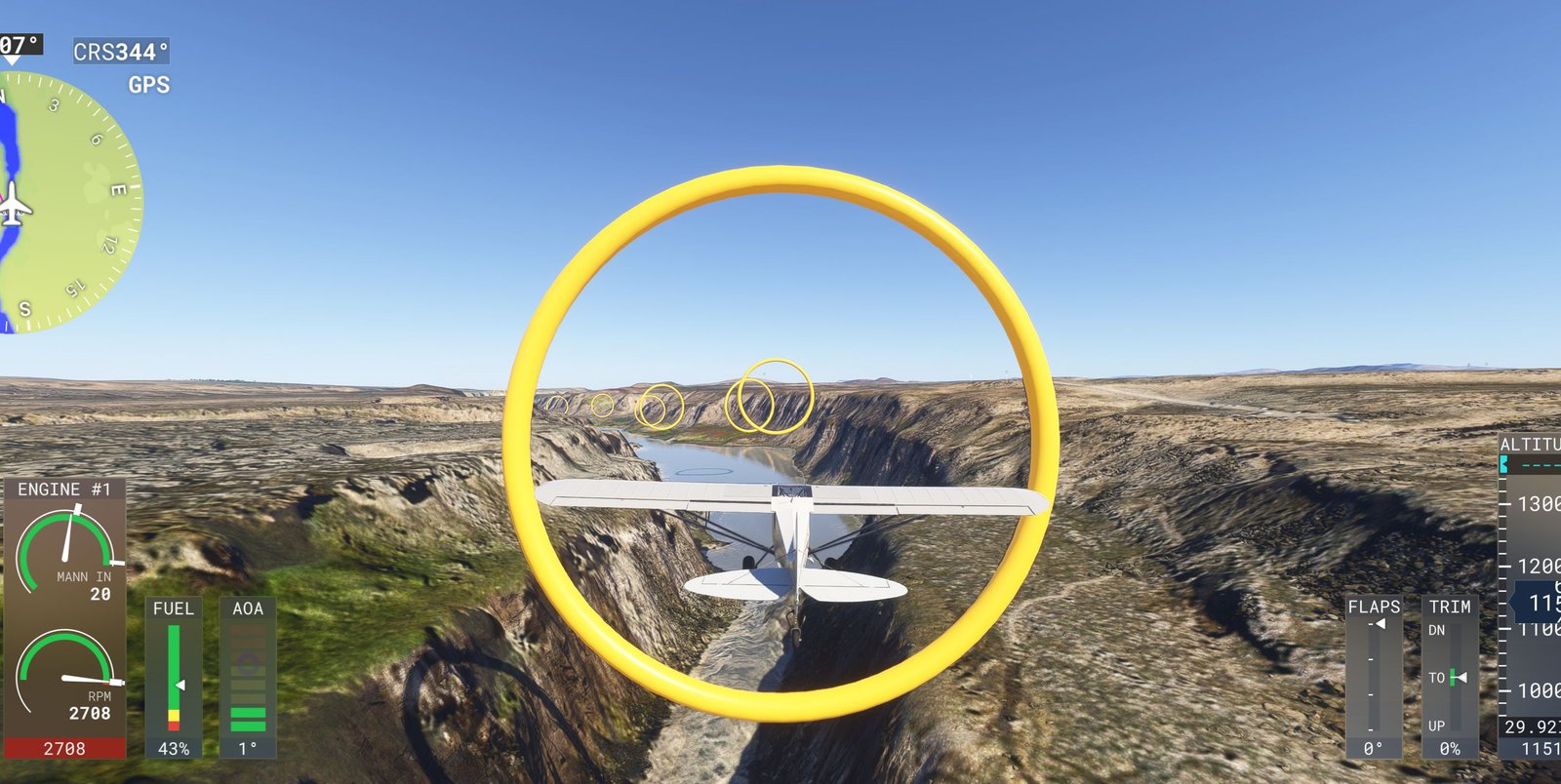
31 plane courses
Follow rivers, bank around headlands and thread the valleys. The stock XCub is the default; you can choose another installed aircraft.
32 hang-glider courses
The included Ring Run Delta brings close descents, gentle landings and guided updrafts on thermal courses.
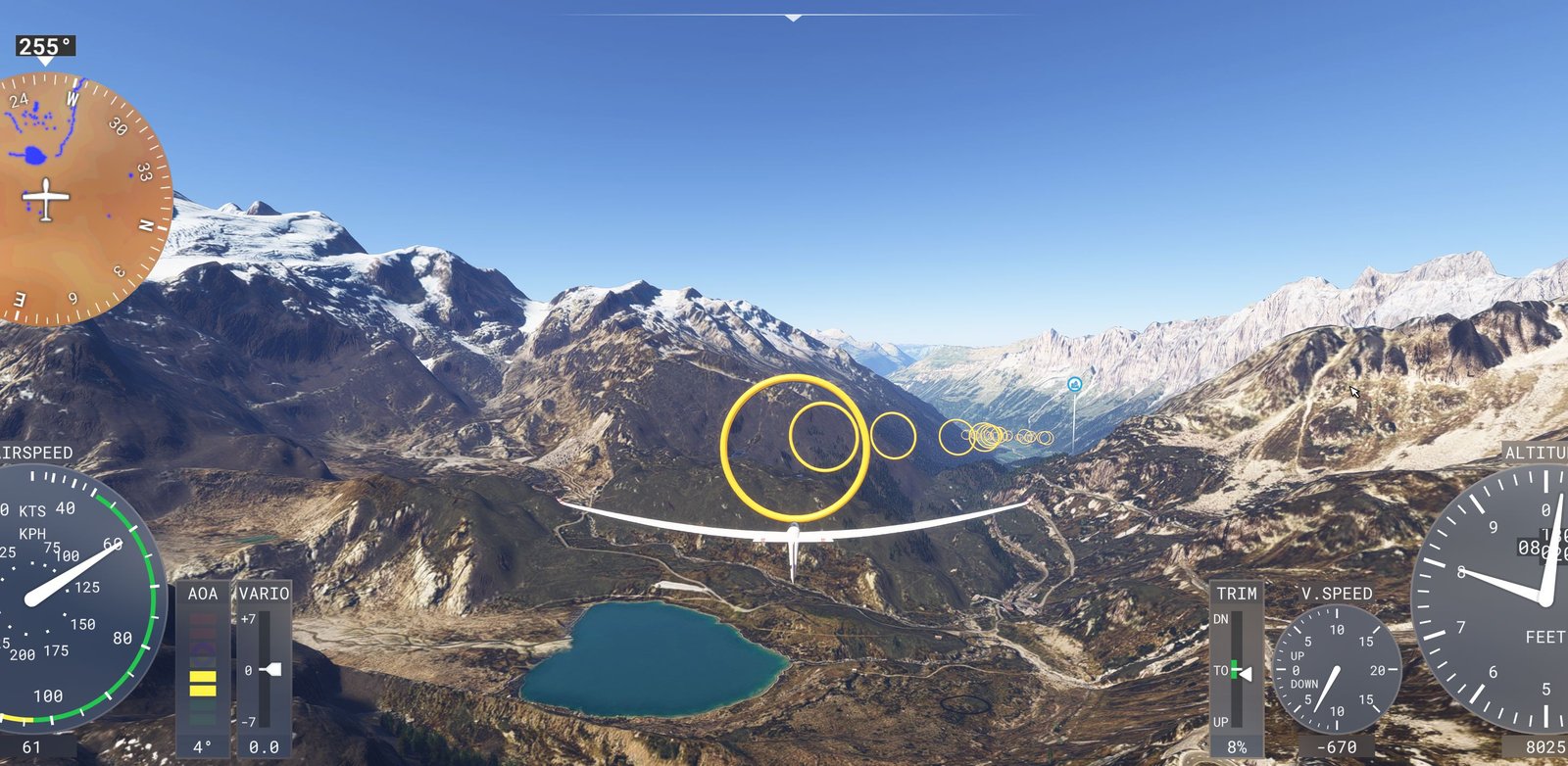
13 sailplane courses
Long wings, broad turns and mountain descents. Courses use the stock LS8 by default.
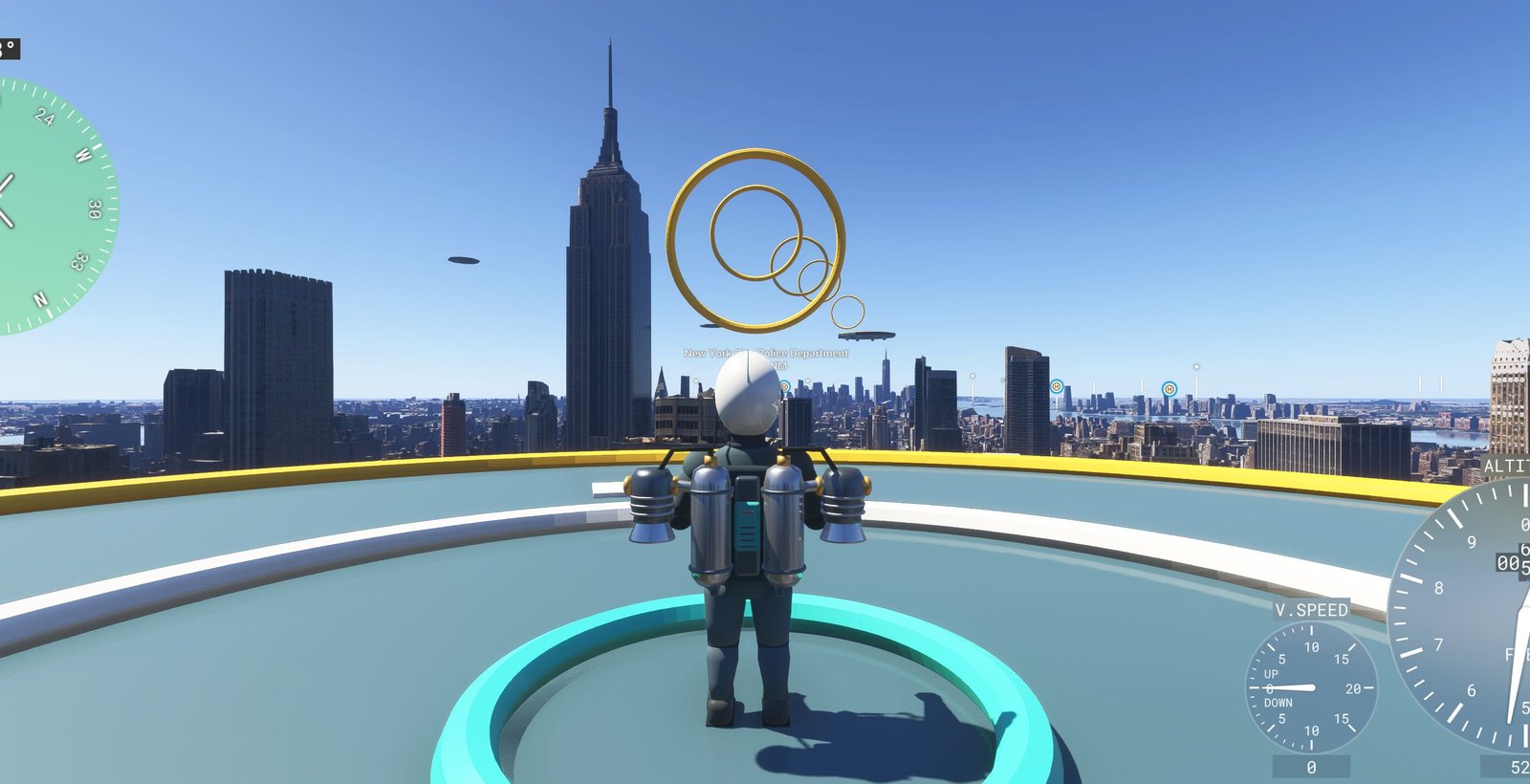
24 jetpack courses
The included Rocket Belt turns landmarks into precision playgrounds, with raised landing decks between short groups of rings.
Use the Ring Run in-flight panel for progress, ring sounds, music on/off, volume and next track. Connect your controller before starting MSFS. To try again, choose Restart from the pause menu.
See it in flight
The video loads from YouTube when you press Play.
Your next flight starts here
Ring Run 0.34.0
Windows PC · MSFS required
Core package
All 100 courses, course browser, Delta hang glider and Rocket Belt.
Download for 2020Core package
The same 100 courses and vehicles, with the built-in tablet course browser.
Download for 2024Optional · Both simulators
66 tracks with vehicle playlists. Music continues between songs; turn it off or adjust it in the Ring Run panel.
Download musicUse the core package for your simulator. Install each separately if you own both. Plane and sailplane defaults require the stock XCub and LS8 to be available in MSFS.
Four steps to your first ring
Download the matching core ZIP and, optionally, the music ZIP.
Open its Community folder. Inside are seven folders beginning with ringrun-.
Copy all seven ringrun- folders directly into your simulator’s Community folder. For music, also copy ringrun-music from the music ZIP.
Start MSFS and go to Activities → Custom Content → Ring Run. Choose a vehicle or search for a place, open its briefing and start the flight.
These are the usual locations. Paste the whole path into File Explorer’s address bar; Windows fills in your username.
The 8wekyb3d8bbwe ending in the Microsoft Store / Xbox app paths is the same across PCs. Keep it exactly as shown.
%LOCALAPPDATA%\Packages\Microsoft.FlightSimulator_8wekyb3d8bbwe\LocalCache\Packages\Community%APPDATA%\Microsoft Flight Simulator\Packages\CommunityCustom location? In MSFS 2020, enable Developer Mode under General Options → Developers, then use Tools → Virtual File System → Packages Folders → Open Community Folder. Microsoft’s installation guide ↗
%LOCALAPPDATA%\Packages\Microsoft.Limitless_8wekyb3d8bbwe\LocalCache\Packages\Community%APPDATA%\Microsoft Flight Simulator 2024\Packages\CommunityCustom location? In MSFS 2024, open Marketplace → My Library, select Settings beside the search bar, then Open. For Ring Run, use Community. Microsoft’s folder guide ↗
You can also read InstalledPackagesPath near the bottom of your simulator’s UserCfg.opt. Use the Community folder inside that location; no editing is needed.
With MSFS closed, move the same-named old ringrun- folders to a backup outside Community, then copy the new ones in. Update the optional music package too if you use it. Leave unrelated add-ons alone.
Check that the folders sit directly in Community, for example Community/ringrun-activities/manifest.json. Avoid an extra nested Community folder. Confirm that you used the right simulator’s package and folder, then fully restart MSFS.
The Delta and Rocket Belt are included. Make the stock XCub and LS8 available in the simulator, or select another installed aircraft in the briefing. Use the Delta for Ring Run’s assisted thermals. Landmark appearance depends on your installed scenery. Ring sounds and music have separate controls in the Ring Run panel; chimes also use MSFS’s Voices volume.